How I write a prompt: four iterations
My most common mistake early on was trying to write the perfect prompt on the first go. Now I start with the bare minimum and add one layer at a time, always with the same seed (314 here), so I can see exactly what changed.
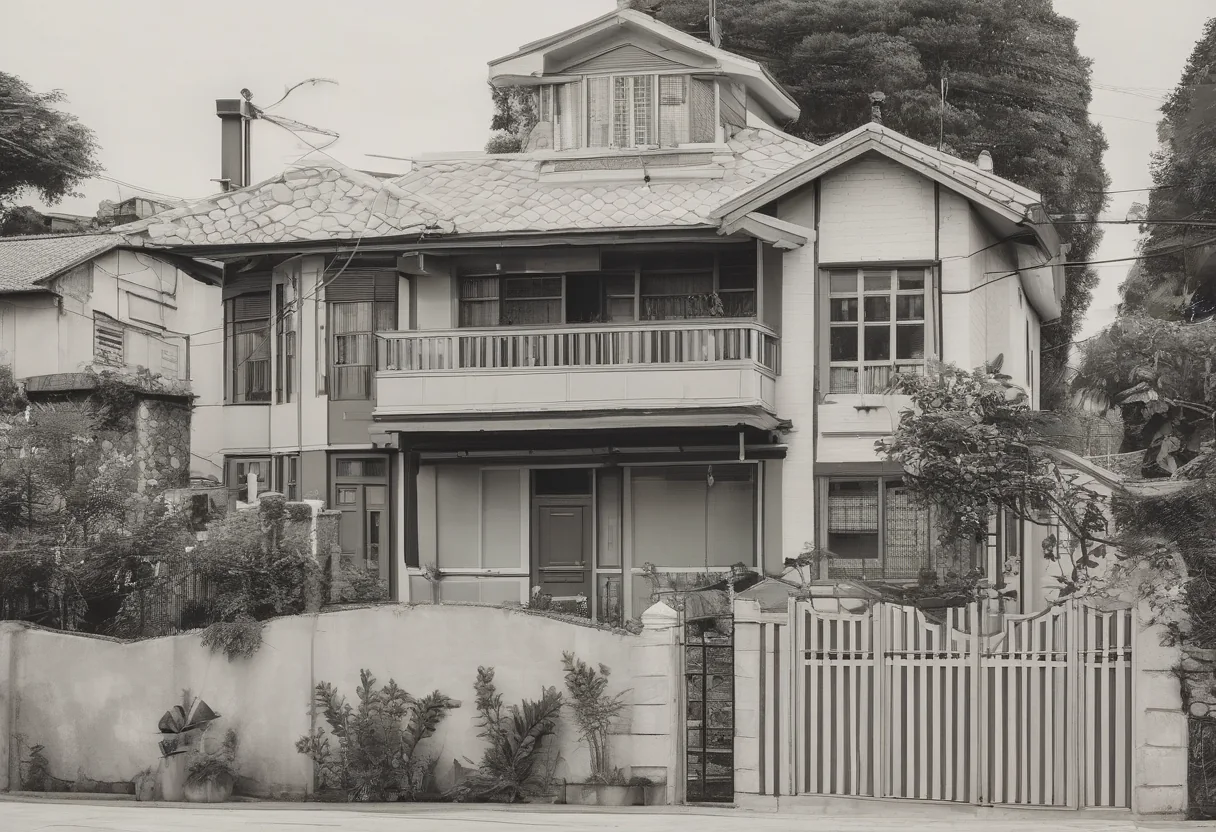
1. “a house”
The model gave me a black-and-white photo of an old town house. Makes sense: without context it picks something “average” from its training data, and that's nothing like what I had in mind.
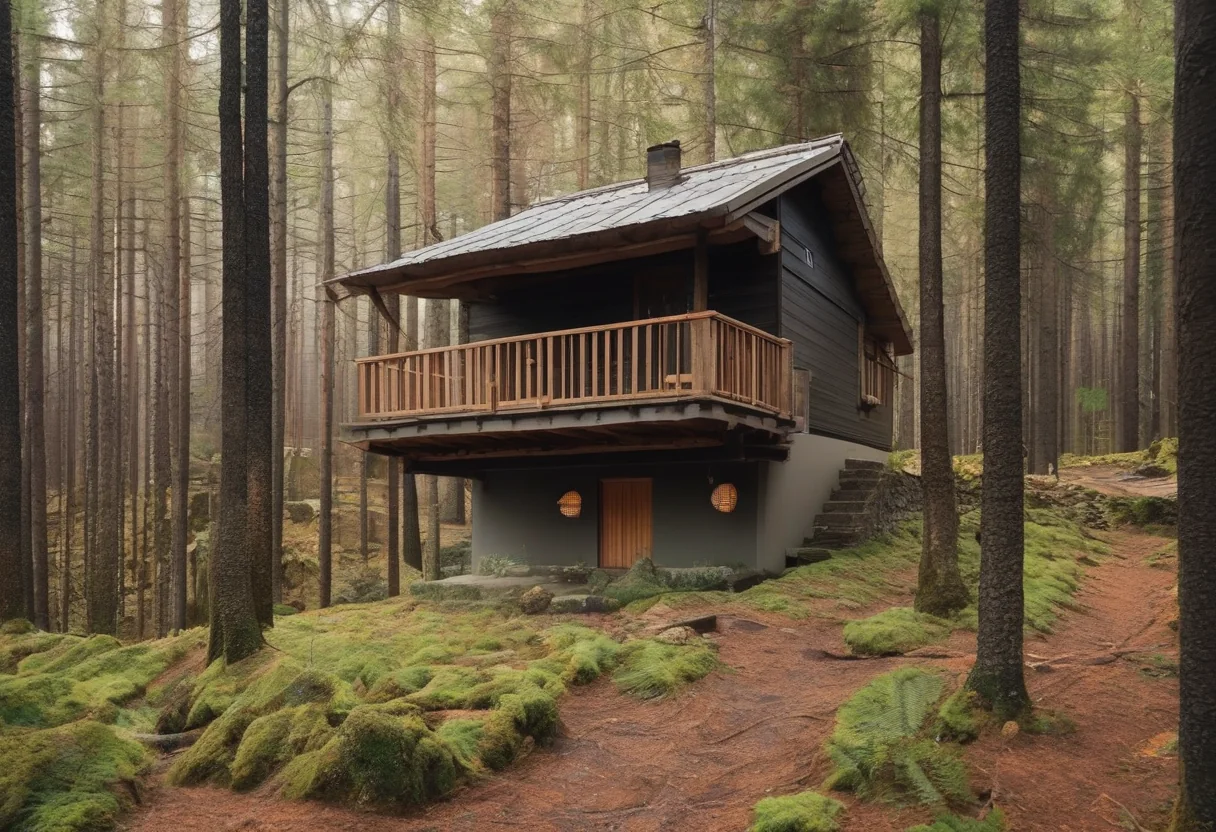
2. Subject and place
a small wooden house in the forest — now it's a house in the woods, moss, pines. But the light is flat daylight, no mood.
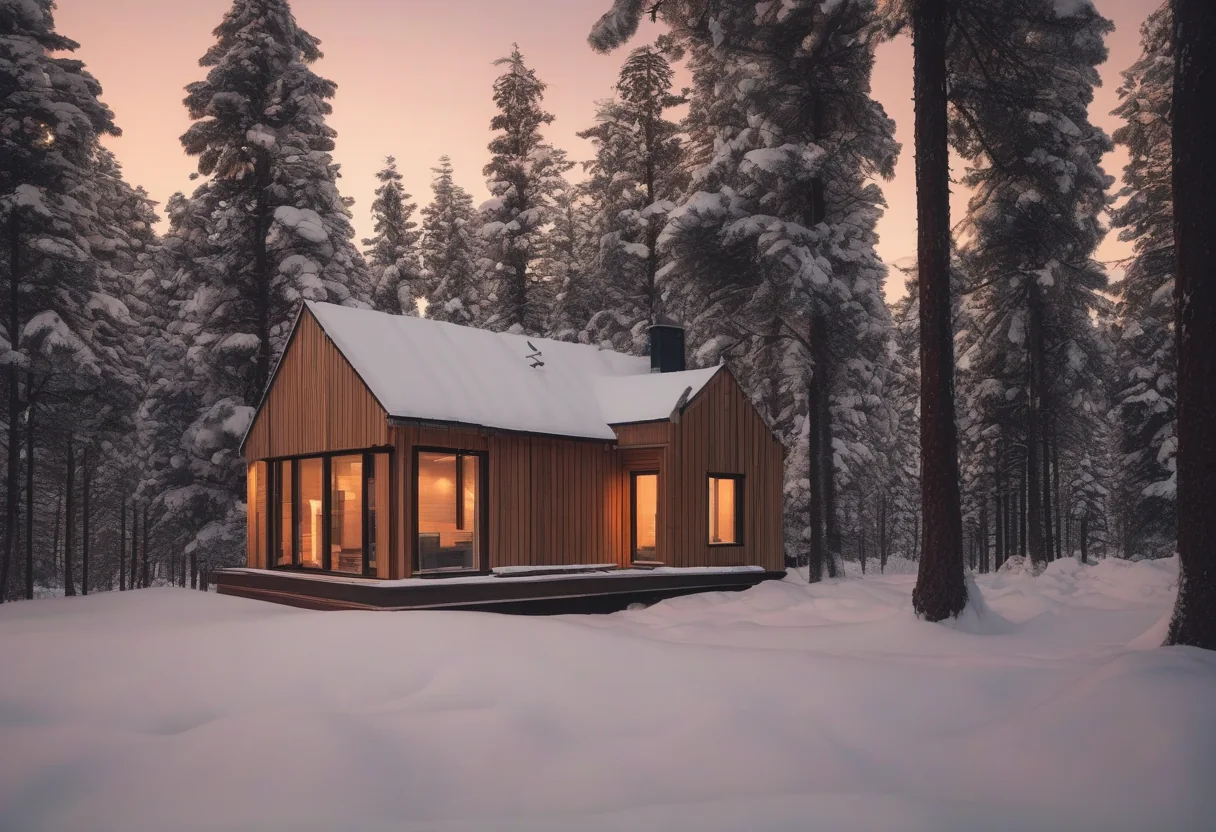
3. Time of day and light
I added snow, dusk and warm light in the windows. This was the biggest jump: the composition changed completely and the mood appeared. Light and time of day are now my second most important block after the subject.
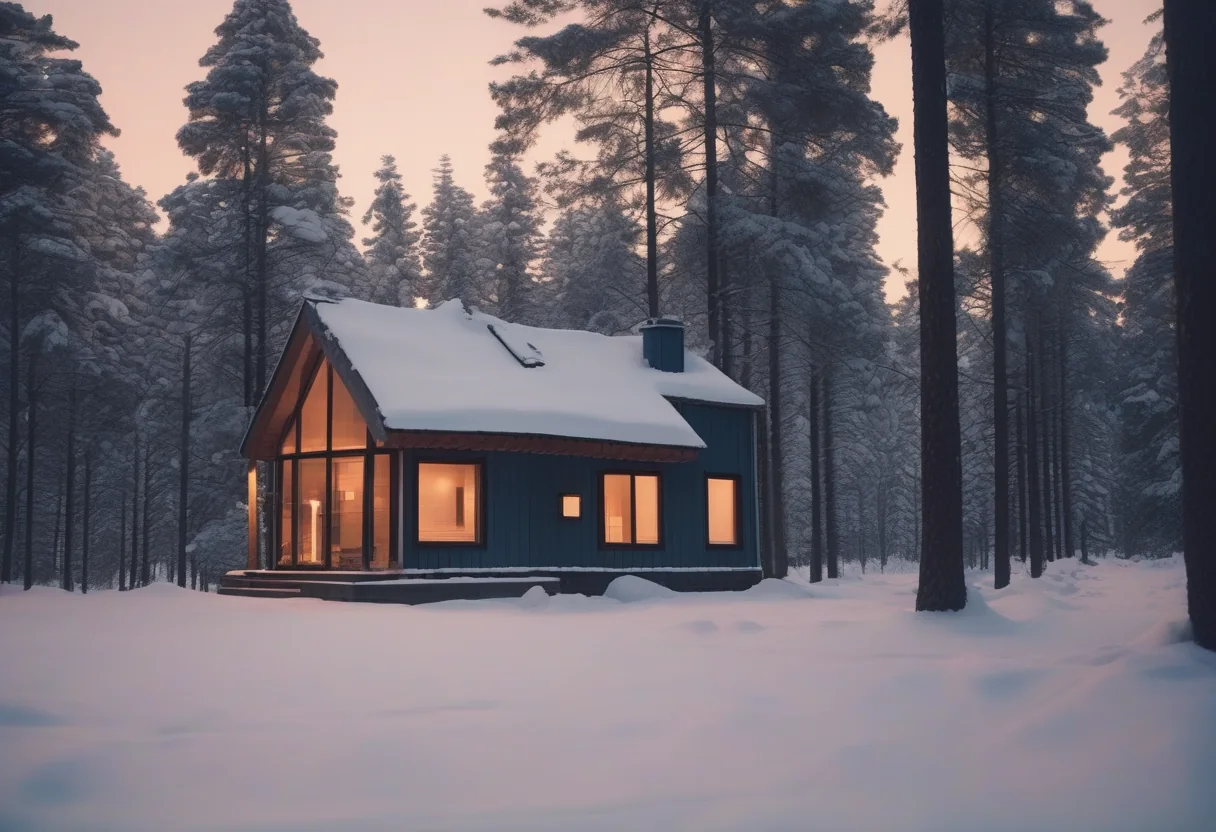
4. Details and the “film look”
Chimney smoke, 35mm, blue hour, grain. The palette got cooler and the house turned blue. But there's still no smoke, even though I asked for it explicitly. SDXL often drops small details in a long prompt: if a detail matters, move it closer to the start.
Takeaways
- Order: subject → place → light and time → style and camera → small details.
- Test every new layer on the same seed, otherwise you can't tell what worked.
- If a detail won't show up, move it forward or cut other words — don't pile on more.