Steps and CFG: what to actually tweak
Two settings every UI has and people most often tweak at random. I took one prompt (a lighthouse on rocks in a storm, oil painting) and one seed (42) and changed only these.
Steps
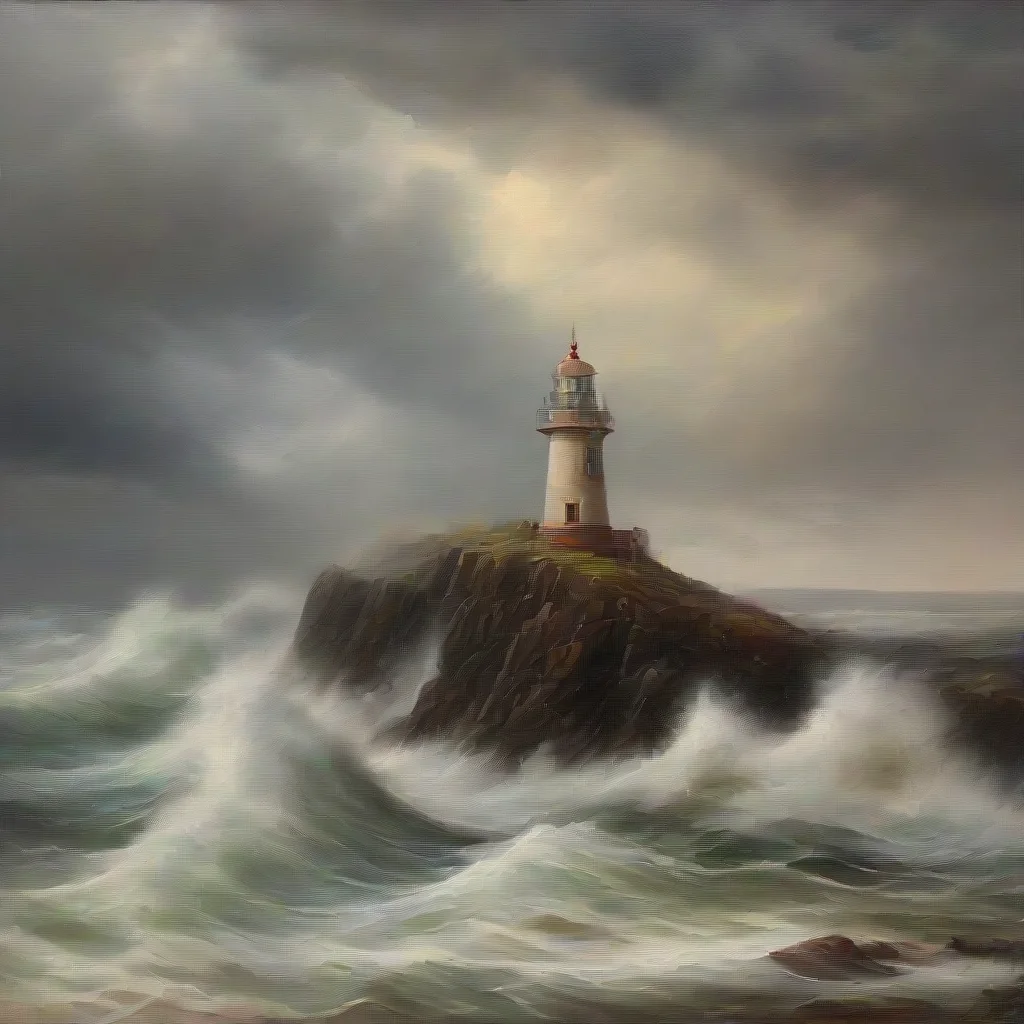
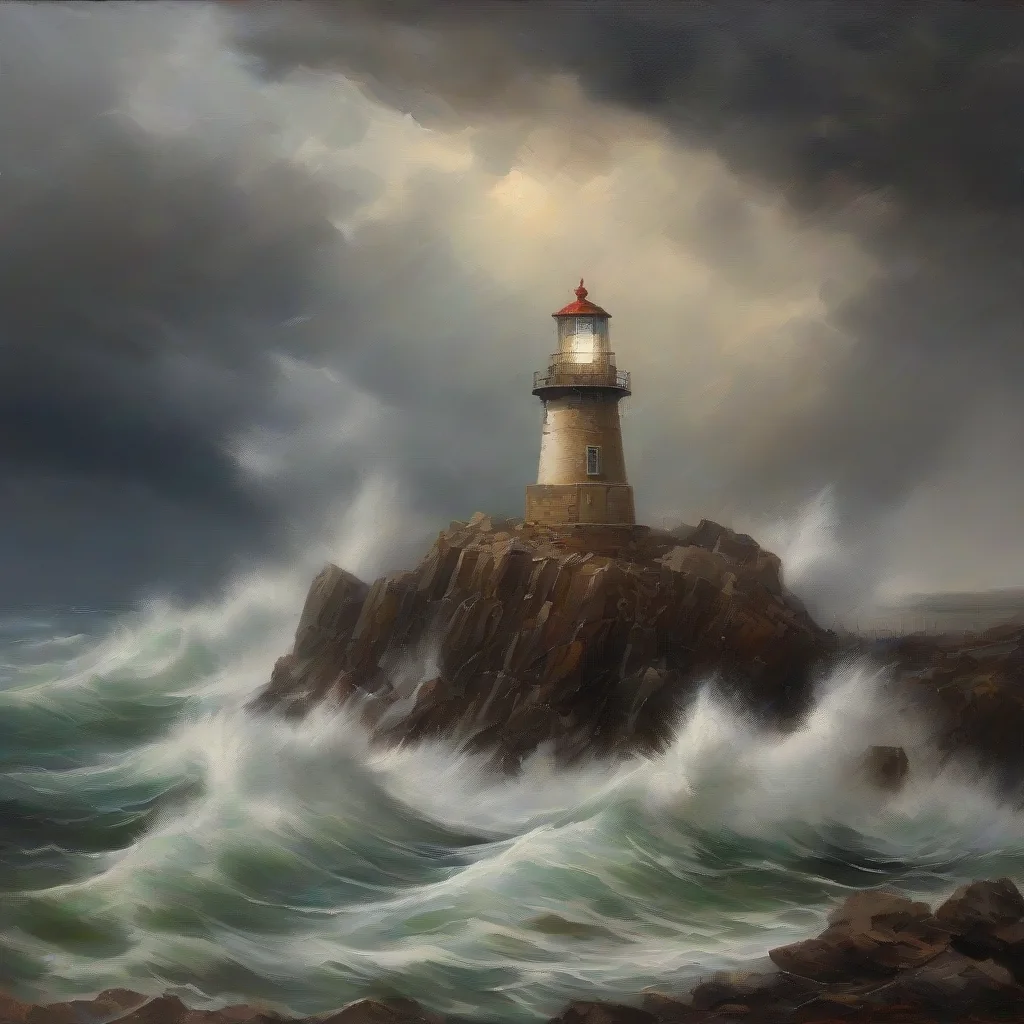
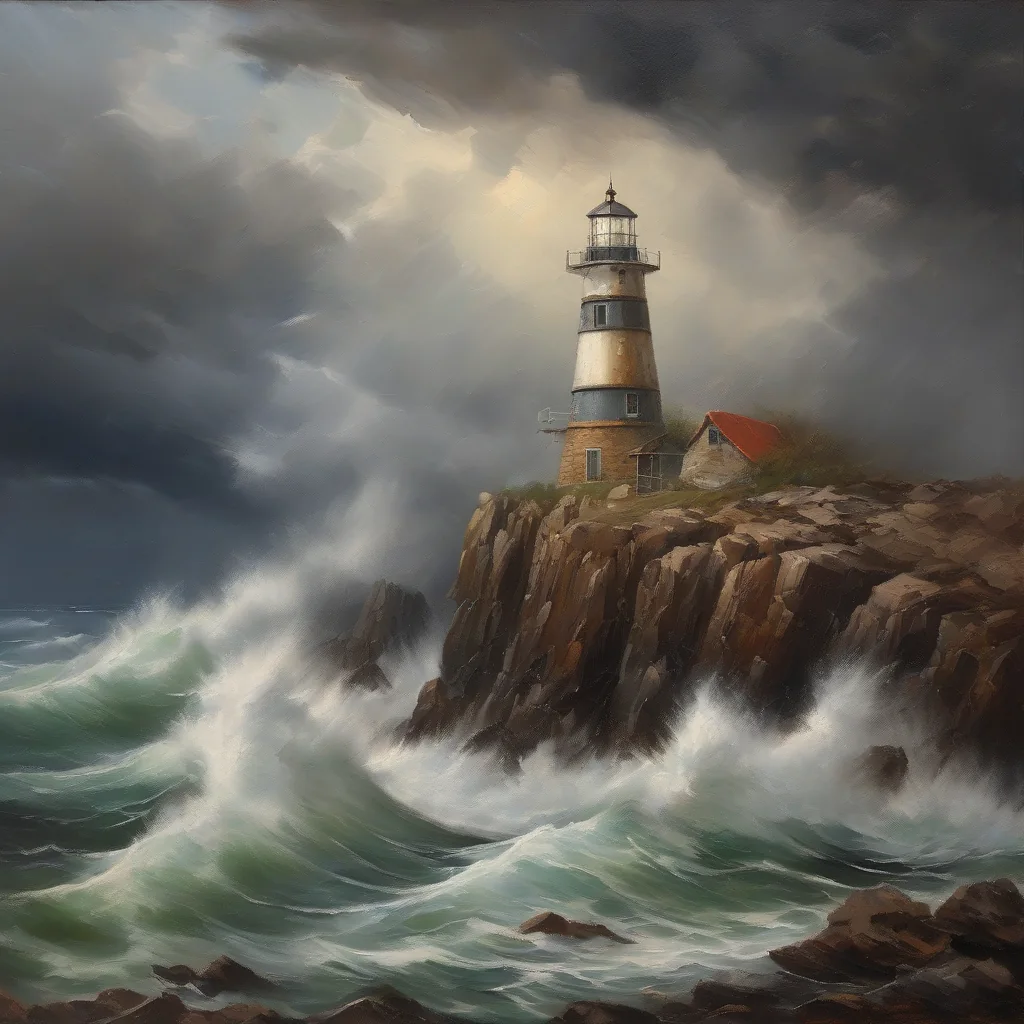
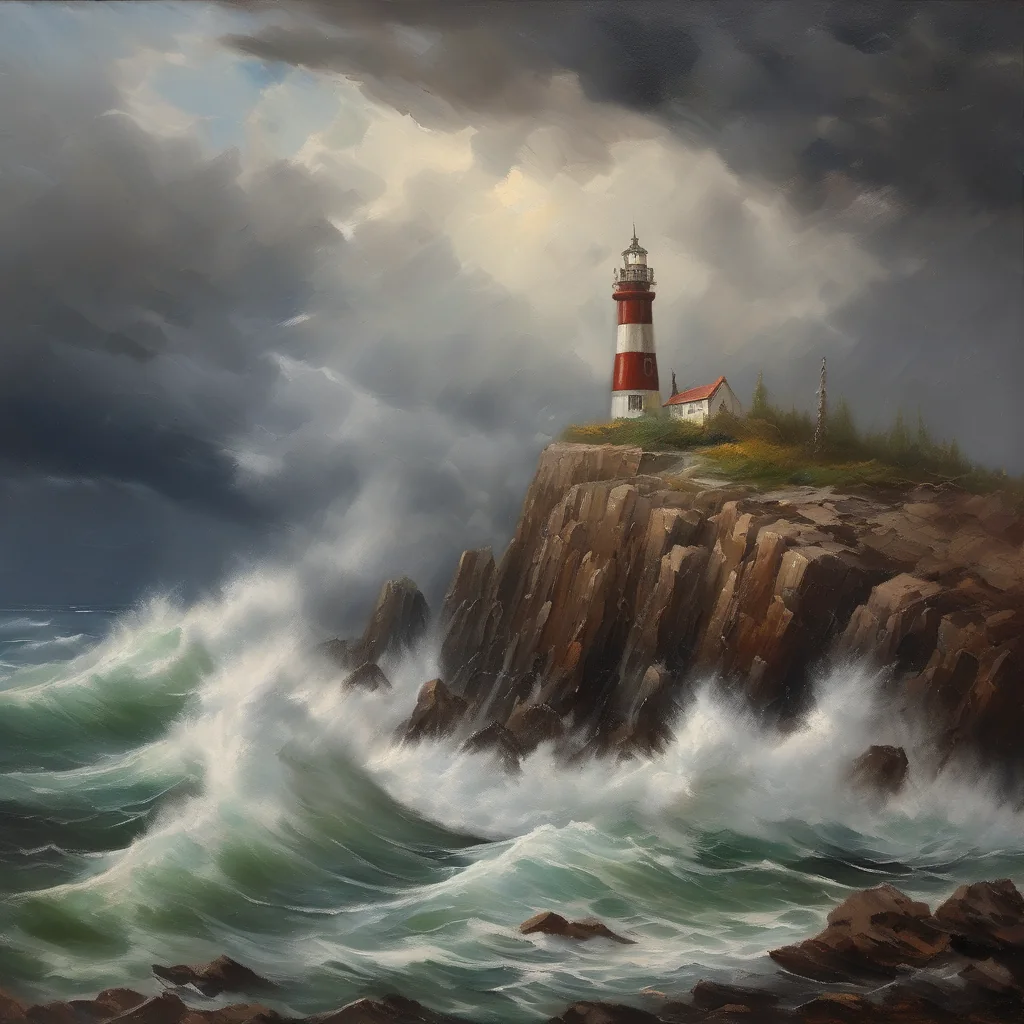
- 6 steps — soft and sketchy, few details, but the idea is already there.
- 12 steps — a different and almost final composition: rock, waves, lighthouse.
- 25 and 40 barely differ in composition; only small things like the lighthouse stripes change.
For SDXL I usually go with 25–30. More is just extra time without a visible difference. On an RTX 4060 Ti, 30 steps at 1024×1024 take about 14 seconds.
CFG (guidance scale)
CFG is how strongly the model “obeys” the prompt. 30 steps here.
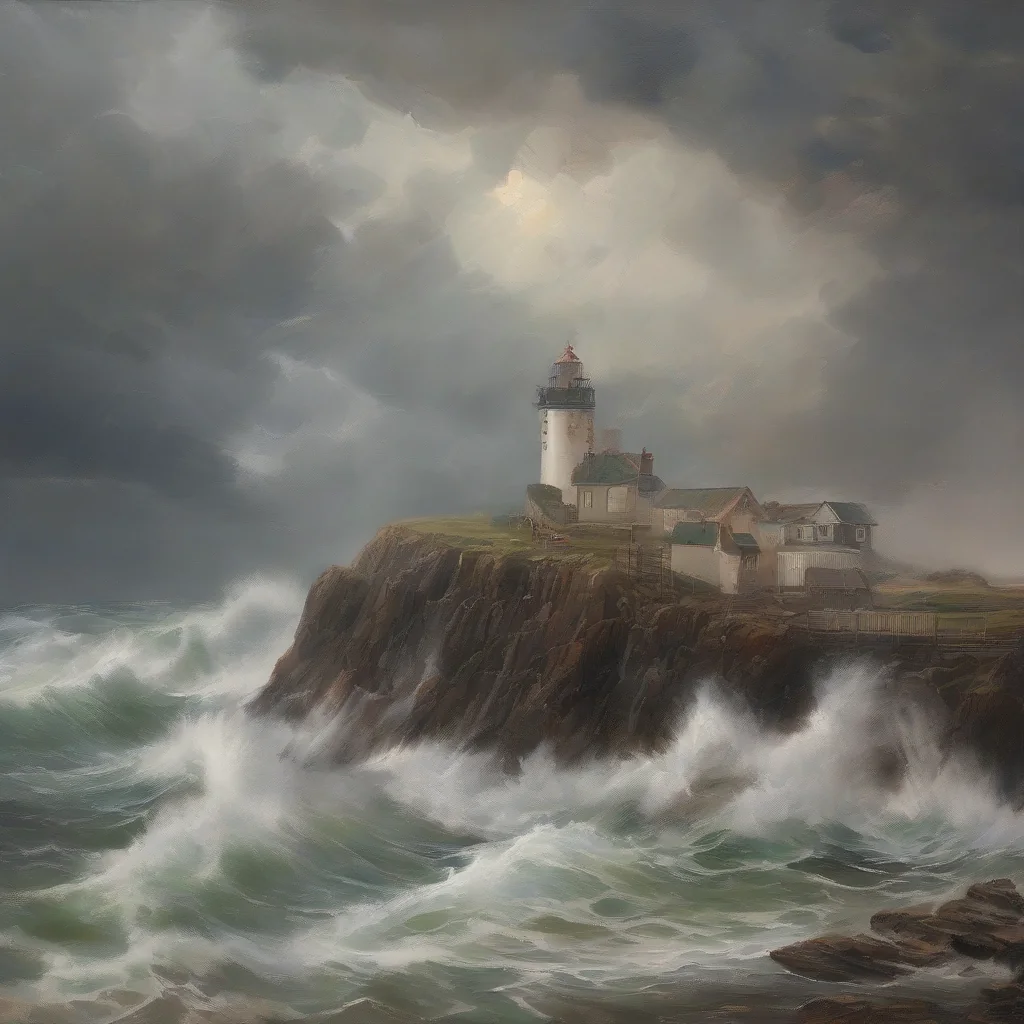
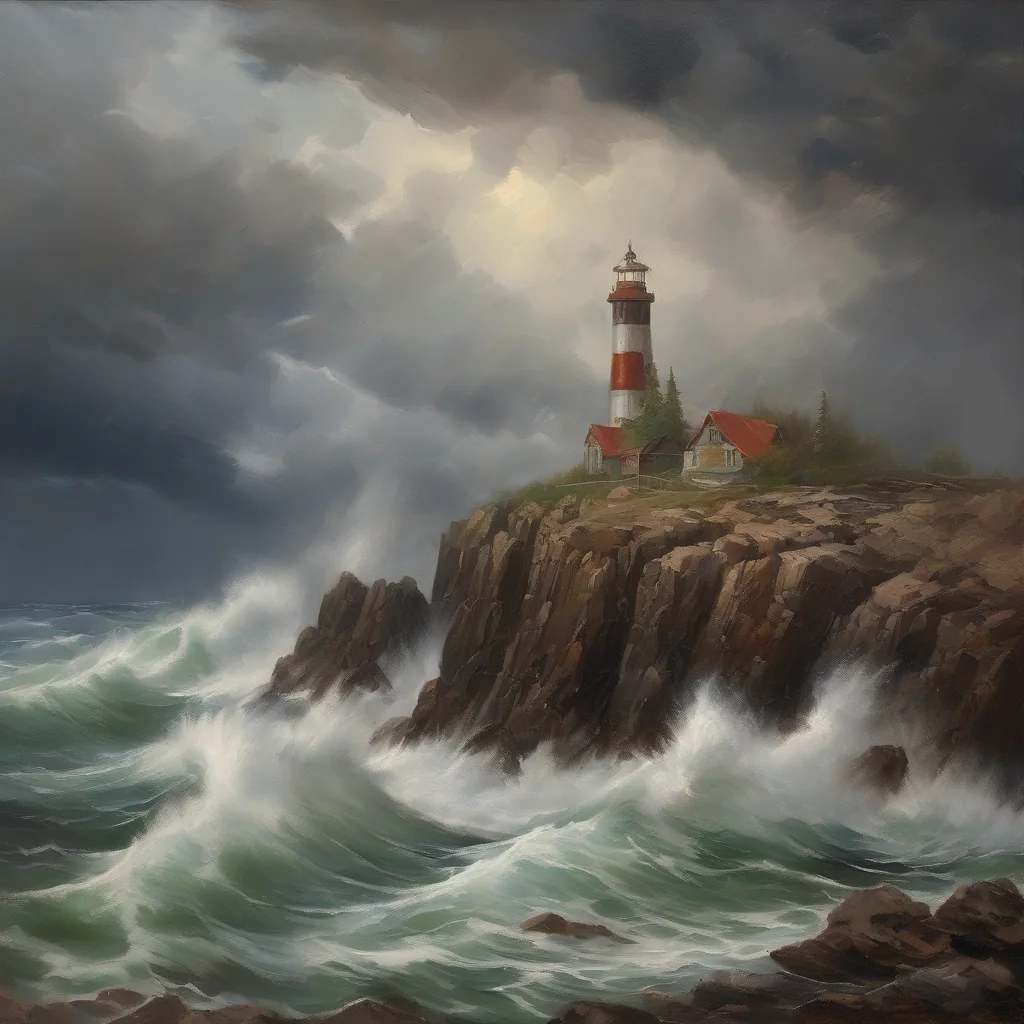
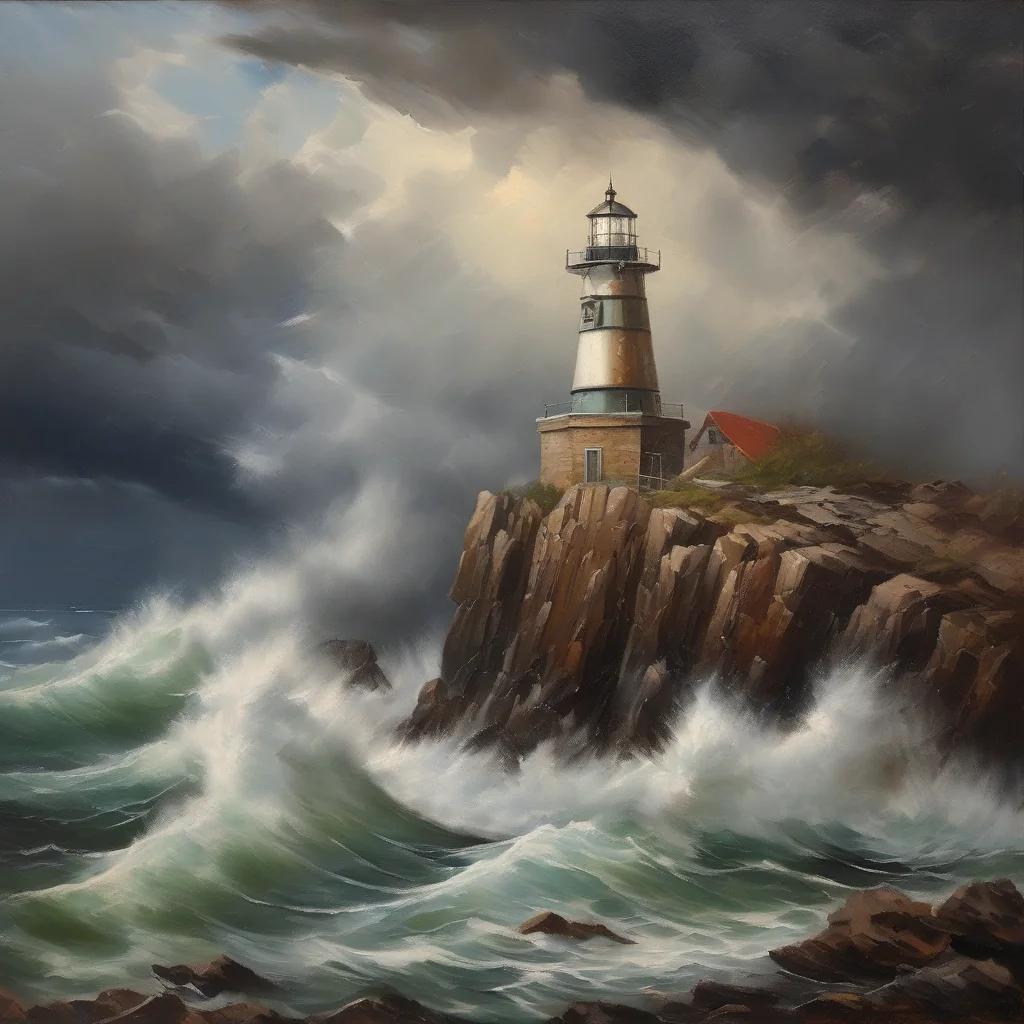
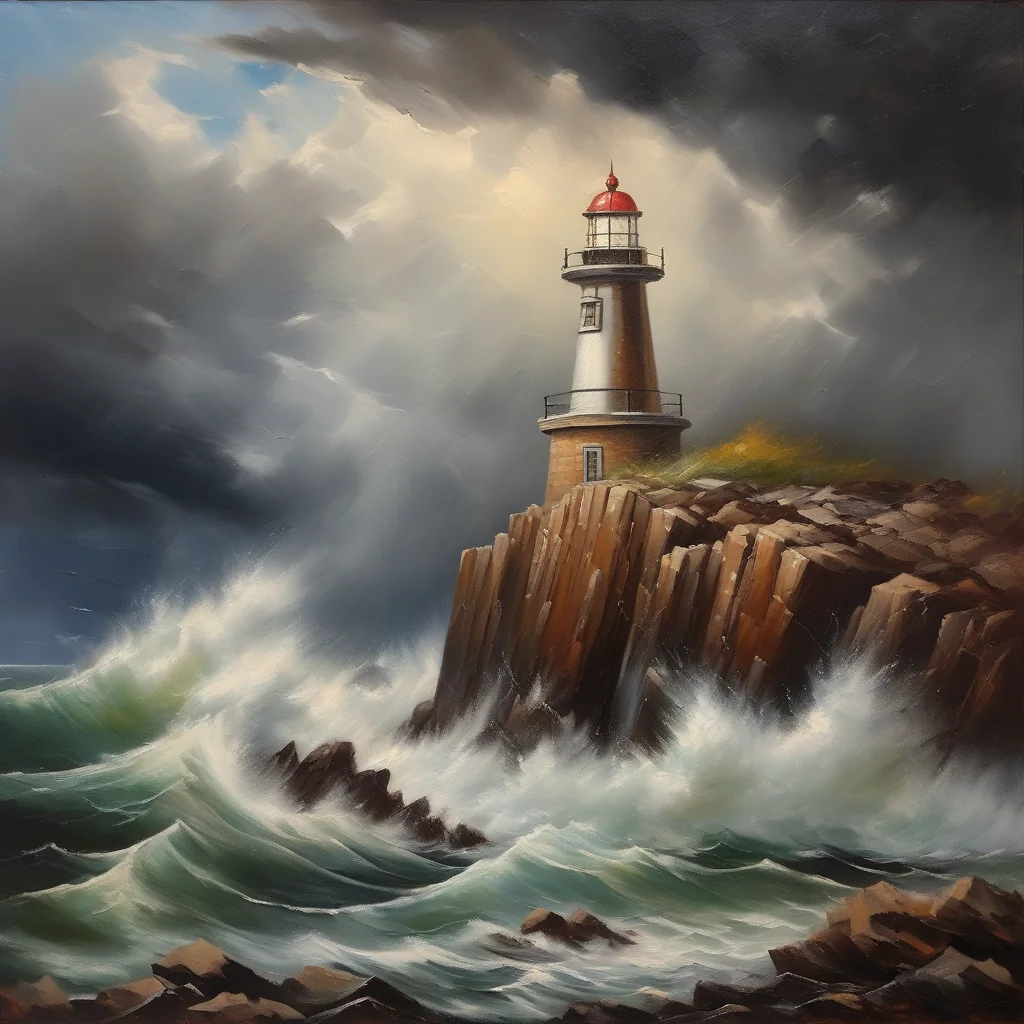
- CFG 2 — washed out and hazy, the lighthouse is lost among some little houses. The model is mostly “making things up”.
- 4.5–7 — the working range: decent contrast, the scene reads well.
- CFG 12 — oversaturated colors, “burnt” rocks, a plastic kind of sharpness.
Bottom line
My SDXL defaults: 30 steps, CFG 5–6. I settle the prompt and seed first and touch steps and CFG last.